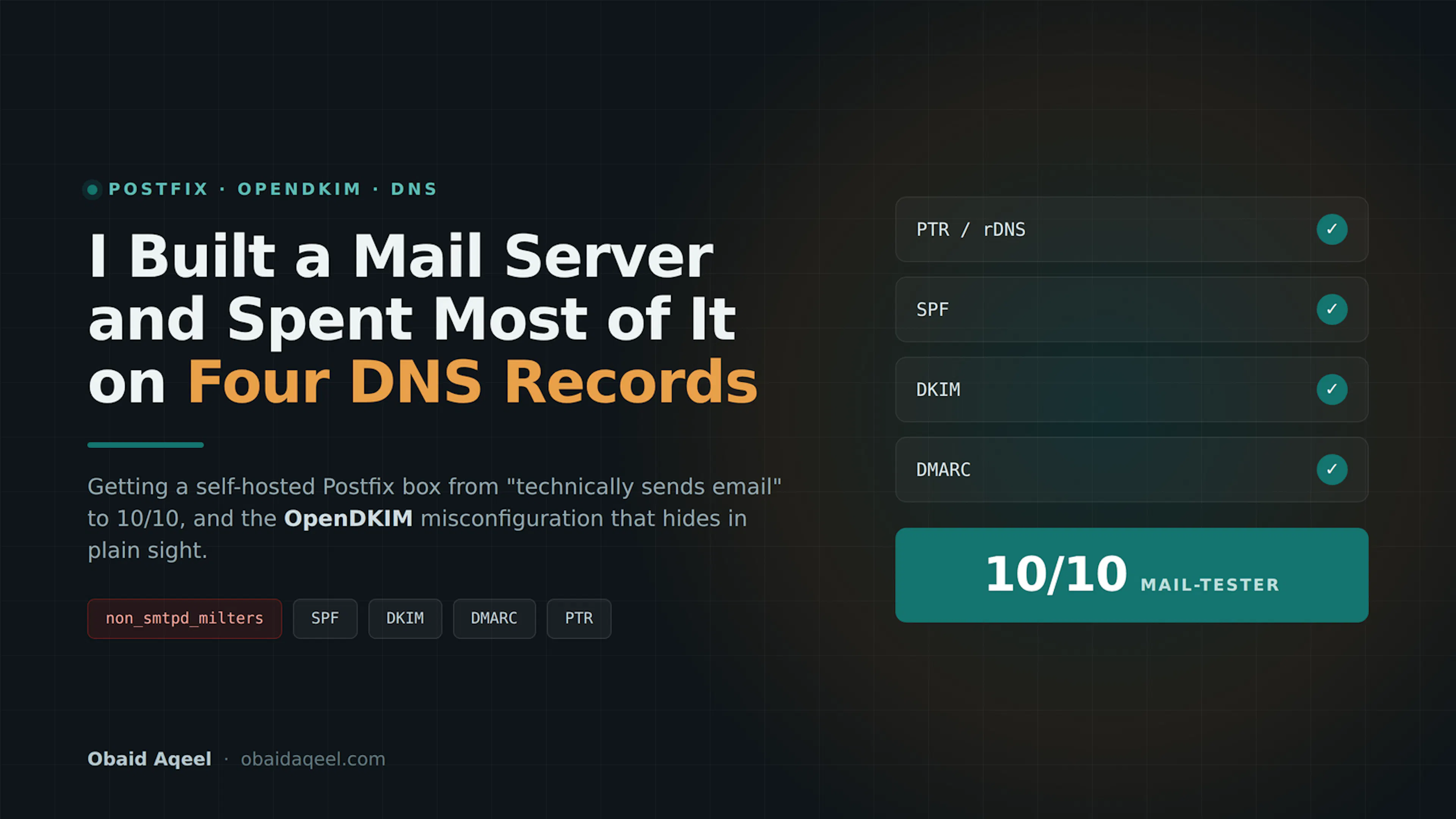
Introduction
Self-hosting an email domain offers control and cost savings, but it comes with real operational responsibility. Unlike Google Workspace or Microsoft 365, you own uptime, backups, blocklist monitoring, and the reputation of a single IP address. This article walks through building a mail server from scratch, the DNS infrastructure required, and the common pitfalls that determine whether your messages land in the inbox or the spam folder.
What Happened
The author embarked on a hands-on project to deploy a personal mail server using CyberPanel on a fresh VPS. Starting with a basic server provision, the process involved installing control panel software, configuring DNS records, and fine-tuning email authentication. Each step revealed how easily deliverability can break when individual components like reverse DNS or key alignment are overlooked, and how methodical configuration resolves each issue.
Why This Matters
Email deliverability hinges on a chain of trust between sending infrastructure, DNS publishing, and recipient spam filters. Even with a working mail stack, messages can be silently rejected or routed to spam if DNS records are not perfectly aligned, if keys are not published across both submission paths, or if server hostnames do not match reverse lookups. Understanding these interdependencies is essential for anyone moving beyond hosted email solutions.
Key Takeaways
- Name the server mail.example.com at creation; on DigitalOcean, the Droplet name becomes the PTR record.
- Forward-confirmed reverse DNS must match across four systems: PTR, OS hostname, Postfix myhostname, and the A record.
- Publish SPF on the root domain, not the subdomain, and start with a soft fail (~all) before tightening to hard fail (-all).
- DKIM must cover both SMTP-injected mail (via smtpd_milters) and locally generated mail (via non_smtpd_milters), or messages from web forms, cron jobs, and PHP scripts will slip through unsigned.
- DMARC sits above SPF and DKIM, requiring alignment with the From header and offering reporting at p=none before moving to quarantine or reject.
- Always test deliverability with mail-tester.com, and verify the exact sending path your application uses, since different code paths hit different milter configurations.
Conclusion
Building a mail server from scratch is as much about DNS precision as it is about software installation. The real work lies in ensuring every authentication mechanism SPF DKIM DMARC is not only published but also correctly aligned across all mail submission paths. With the right setup, proper warm-up practices, and ongoing blocklist monitoring, a self-hosted server can reliably deliver transactional and low-volume commercial mail. The effort is substantial, but for the right use case, the independence and control are well worth it.



Discussion
Join the conversation
Thoughtful reactions, questions, and follow-up ideas help shape the next story.