Introduction
If you want to keep up with The Verge without relying on social media algorithms or email newsletters, an RSS feed offers a direct line to the site's latest reporting. The Verge's main All Posts feed collects stories across its coverage areas in one stream, making it easy to track new articles as they publish. This guide explains where to find the feed address, how often it updates, and how to start following it in your preferred reader.
What Happened
The Verge provides a public RSS feed for its full post stream at http://www.theverge.com/rss/index.xml. According to the listing, the feed refreshes roughly 23 times per day, and recent entries have appeared within the past hour. The stream is categorized under topics including technology, business, gaming, science, Apple, programming, security, and Android. Readers can add the address to virtually any RSS reader, or follow it through Feeder, which supports web, iPhone, and Android apps.
Why This Matters
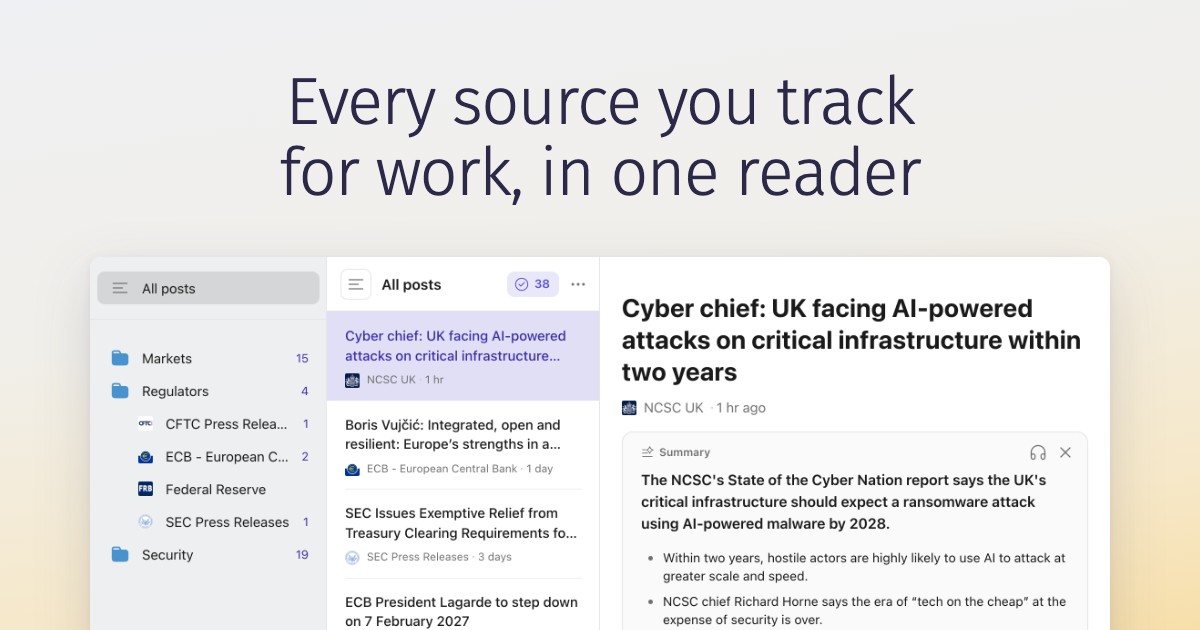
RSS remains one of the most reliable ways to consume news on your own terms. Instead of waiting for a platform to surface a story, subscribers receive updates the moment they are published. Because the feed pulls from The Verge's entire editorial output, it captures everything from breaking tech news to longer features without requiring a separate newsletter for each section. For people who manage multiple publications, a single reader can consolidate dozens of feeds into one chronological inbox.
Key Takeaways
- The main RSS address is http://www.theverge.com/rss/index.xml.
- The feed updates approximately 23 times daily.
- Coverage spans tech, business, gaming, science, Apple, programming, security, and Android.
- Feeder's free plan allows up to 200 feeds and does not require a credit card.
- You can follow the feed on the web, iPhone, or Android.
Conclusion
Subscribing to The Verge's RSS feed is a straightforward way to stay informed without depending on algorithmic timelines. Whether you use a dedicated RSS app or a multi-feed service like Feeder, the process takes only a few seconds: copy the feed URL, paste it into your reader, and start receiving new stories as they go live. For readers who value a direct, unfiltered connection to tech journalism, it is worth adding to your rotation.
Discussion
Join the conversation
Thoughtful reactions, questions, and follow-up ideas help shape the next story.